
How to Connect Glorysmart Lights to the Glorysmart App
- Preparation
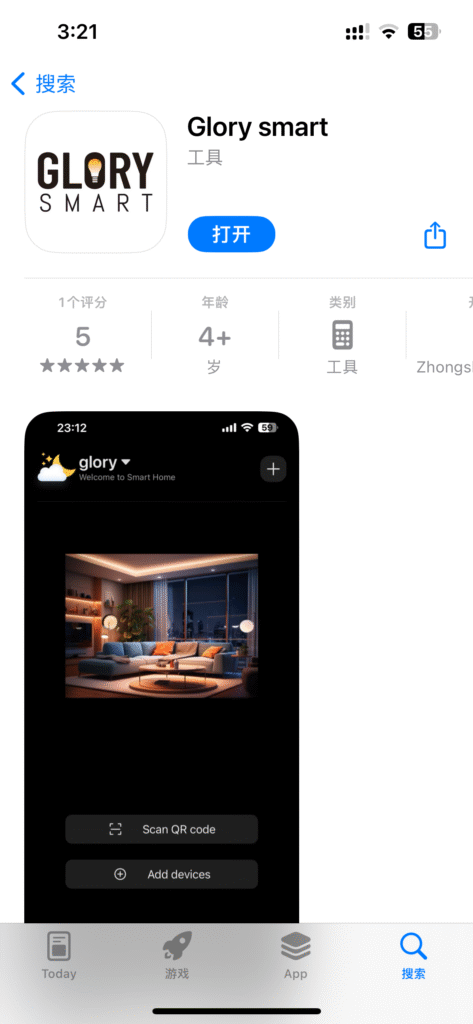
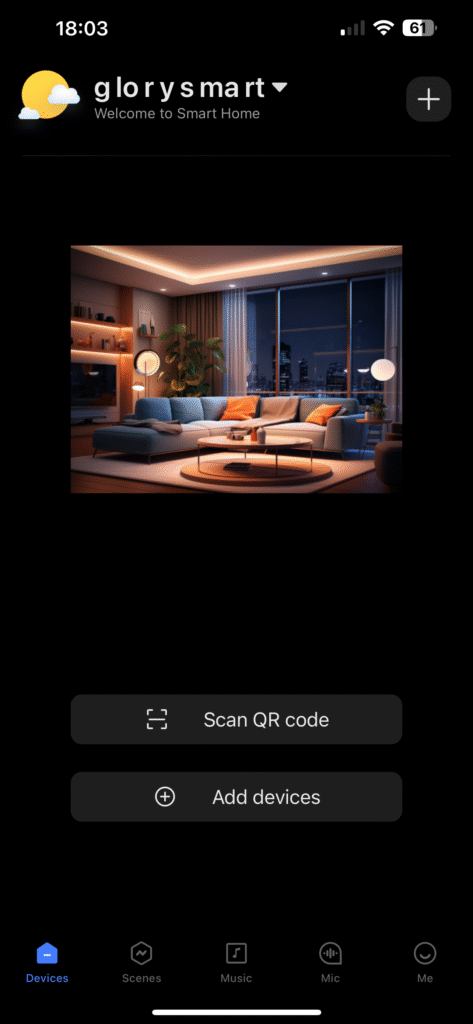
- Make sure your phone’s Bluetooth is turned on.
- Install the Glorysmart smart light in the light socket and power it on. The light will enter pairing mode (usually indicated by flashing or a steady light).
- Open the “Glorysmart” app and log in to your account (if already logged in, skip this step).
- Adding the Light
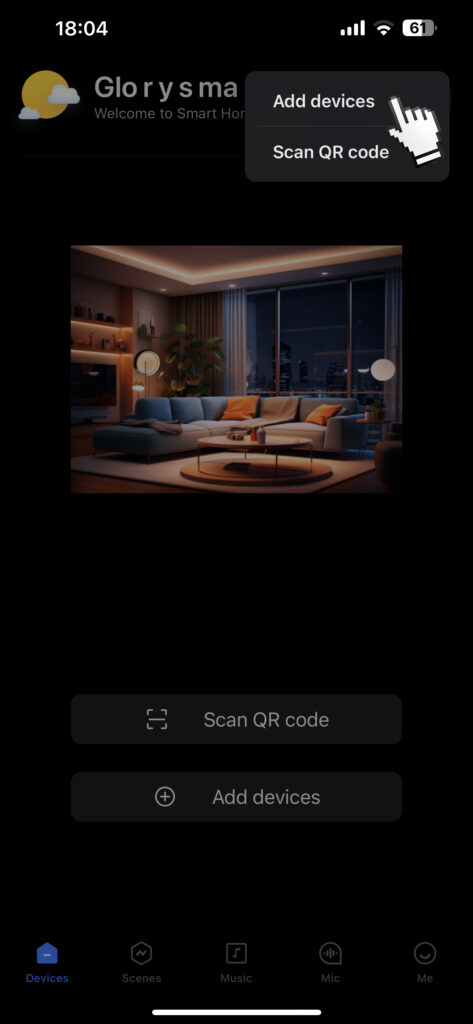
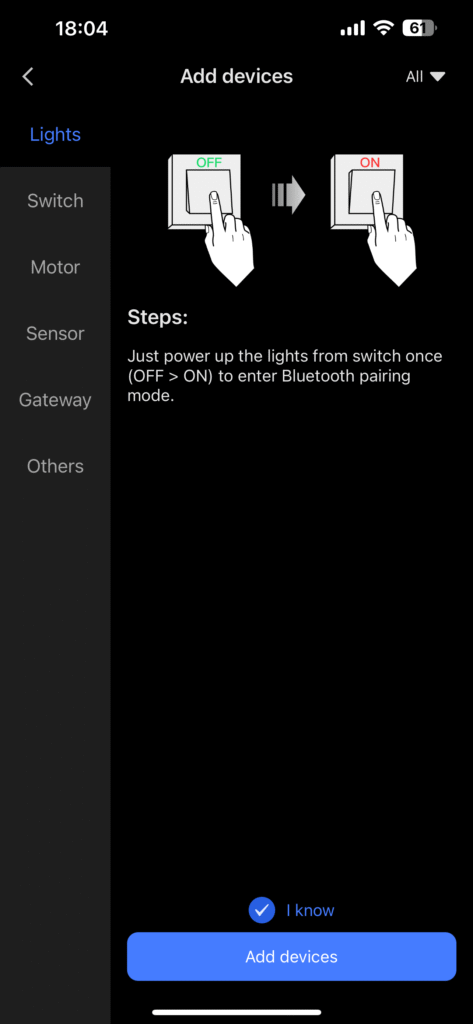
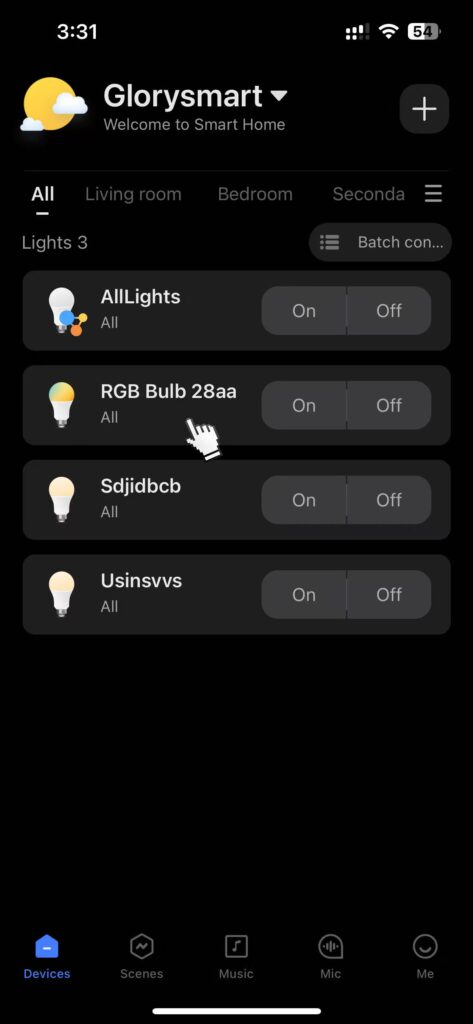
- Tap the “Add Device” or “+” button on the app’s home screen.
- Select the “Lighting” or “Lights” category.
- Choose the specific type, such as “Smart Light,” “Light Strip,” or “Downlight,” as prompted.
- Follow the on-screen instructions to confirm the light is powered on and in pairing mode, then tap “Next.”
- The app will automatically search and discover nearby lights ready for pairing. Select the light you want to add.
- Wait for the app to pair with the light. Once successful, the light will stop flashing or flash quickly a few times to indicate it’s connected.
- Configuration and Use
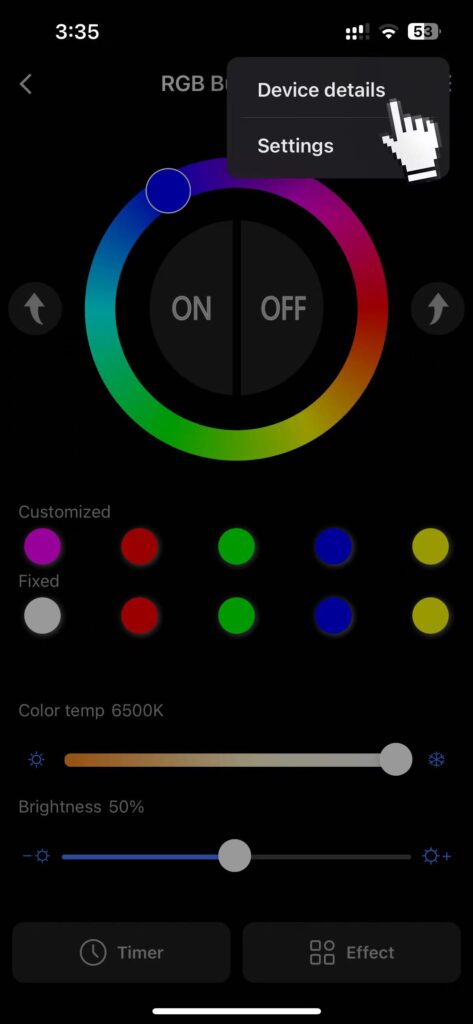
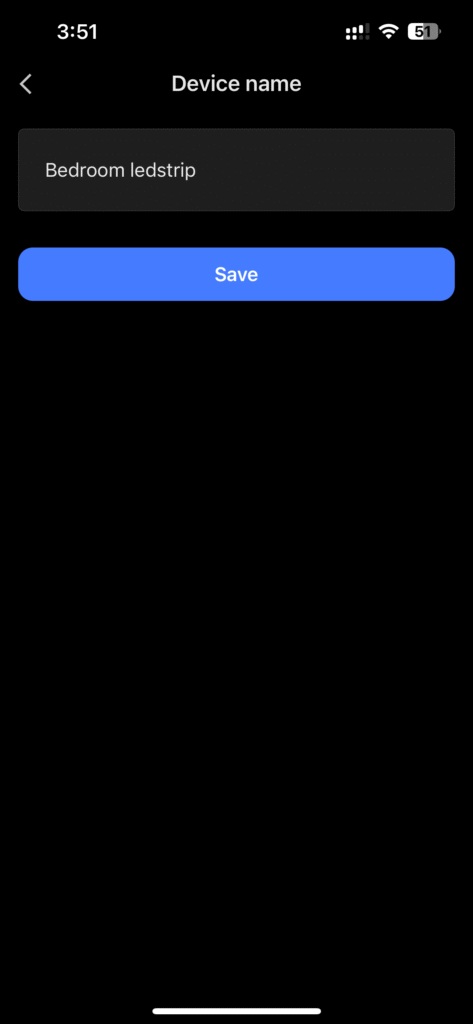
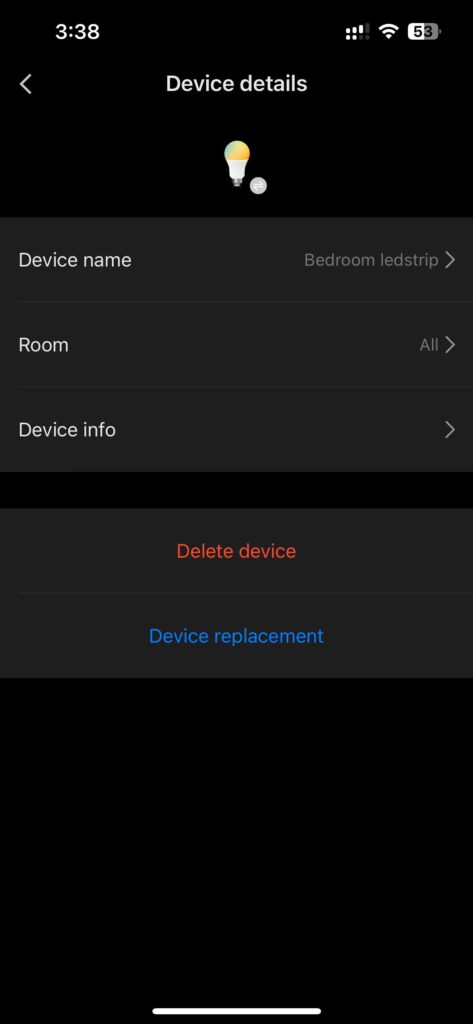
- Name the light (e.g., “Living Room Main Light,” “Bedroom Light Strip”) and assign it to the corresponding room.
- In the app, you can adjust brightness, color temperature, and color, and set up schedules, scenes, and more.
- For remote control or voice control, ensure your gateway/router is connected to the internet and complete the setup for the relevant platform (e.g., Google Home, Alexa).